One take.
Every angle.
Cametas is a portrait video studio in your pocket. Record front & back cameras at once, burn a live map into video, and read from an auto-scrolling teleprompter.
- Dual cameras at 30 fps / 60 fps
- Live map burned into MP4
- Script that scrolls itself
- Ultra-compact software size with zero bloat (14–17 MB)
- Ideal for travelers, bloggers, coaches, business trainers & online seminars
- Special enterprise offers for transport logistics, car rental fleets & field ops
7-day free trial for new subscribers ($3.99/month or $34.99/year). Cancel anytime.
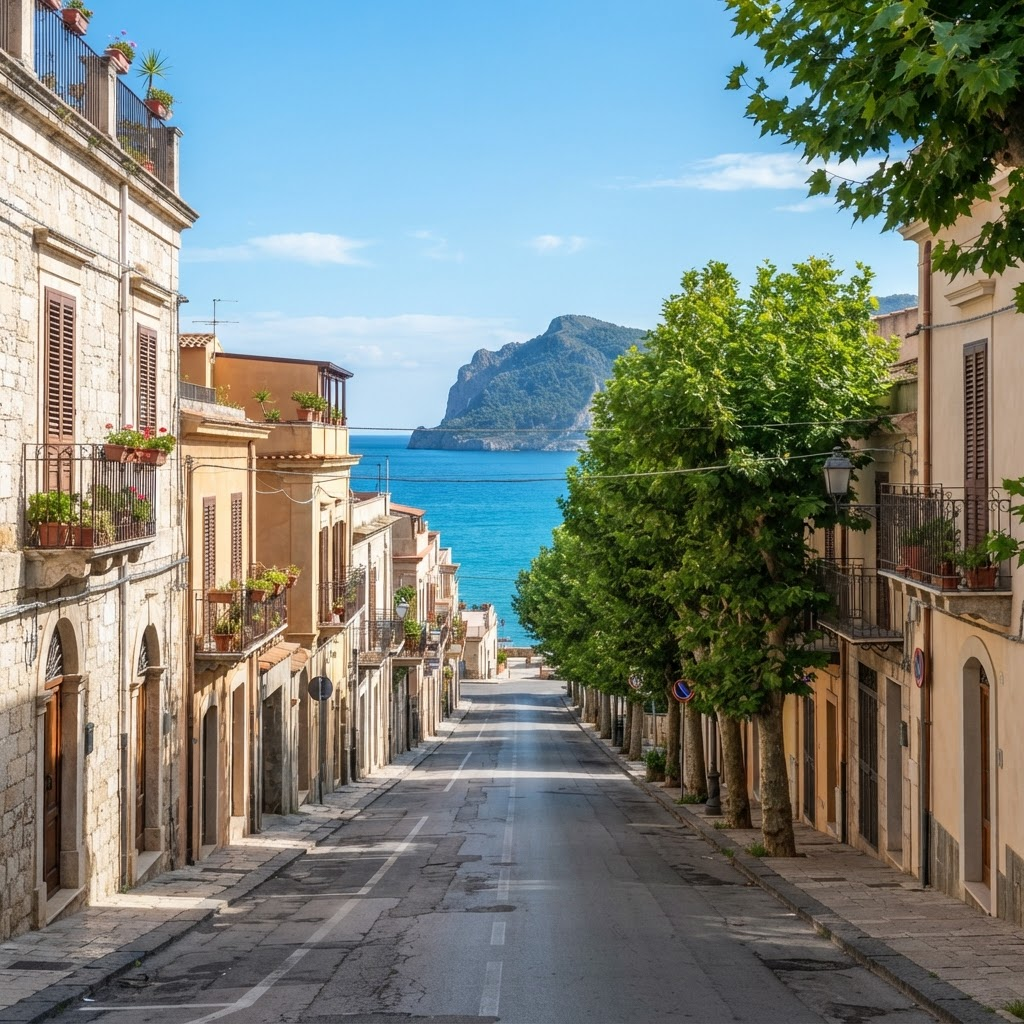

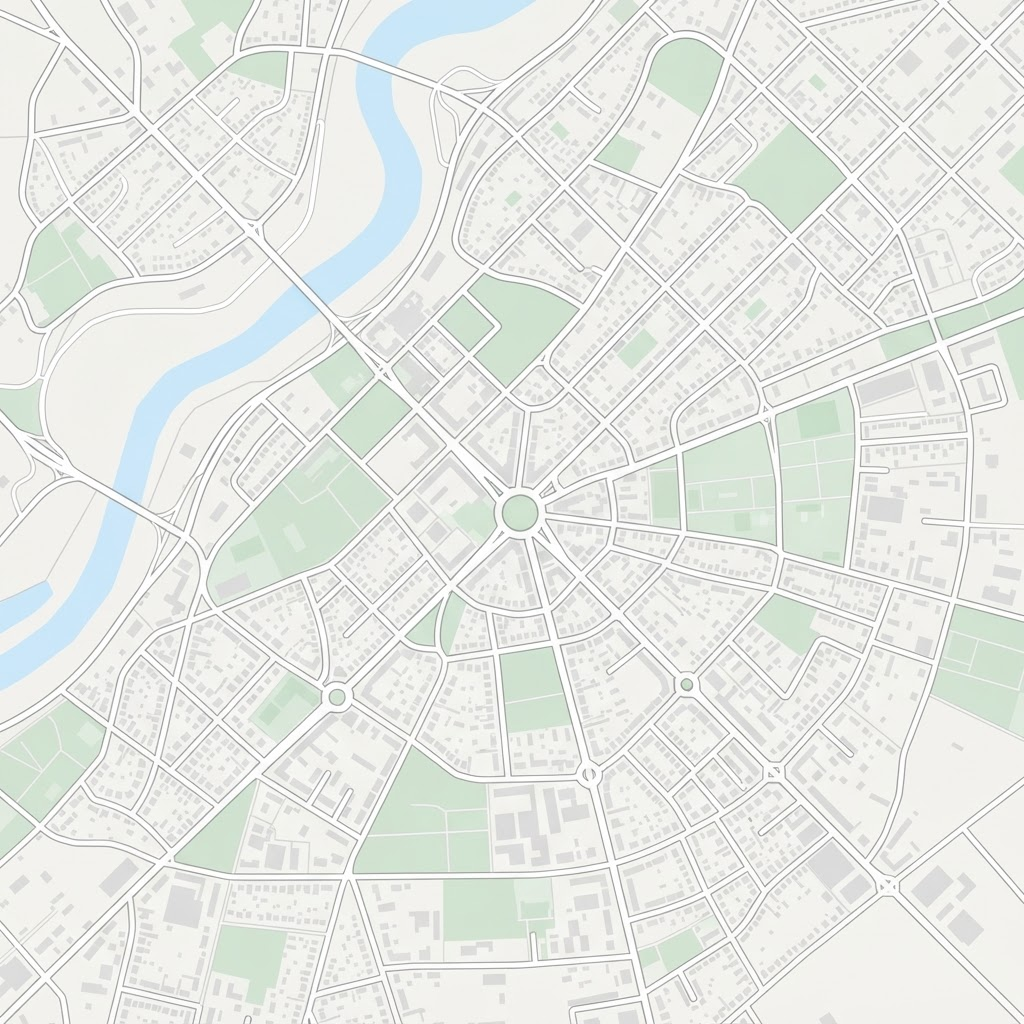 Apple Maps
Good morning from the
harbour. Today we are
walking the length of
the old seafront to
show you exactly how
the restoration changed this
coastline. Keep an eye
on the map in
the corner, because every
turn we take is
being recorded straight into
the video.
Cametas
Studio Recorder
One suite across Mobile & Desktop
Whether you record on-the-go with iPhone and Android or broadcast live from Mac and Windows desktops, Cametas has a native app ready.
iOS App
Ultra-lightweight broadcast recorder for iPhone. Dual camera, screencast, live map overlay, and teleprompter.
- Dual cam 30/60 fps
- Map burned into MP4
- Auto teleprompter
Android App
High-performance broadcast recorder for Android. Dual camera, screencasting, maps, and teleprompter.
- Camera2 multi-cam API
- Vector route tracking
- Zero bloatware
macOS Studio
Desktop suite with live broadcasting to YouTube & Telegram, teleprompter, and Cmd+Shift+T video dispatch to Telegram.
- YouTube/Telegram RTMP
- Hotkey video dispatch
- 4K screencast bubble
Windows Studio
DirectX 12 powered desktop studio with YouTube & Telegram streaming, teleprompter, and Ctrl+Shift+T Telegram dispatch.
- YouTube/Telegram RTMP
- One-key Telegram send
- Always-on-top prompter
Four native capture modes, no editor required
Pick the composition before you hit record. Cametas builds the layout into the file as it captures.
Apple MapsGood morning from the
harbour. Today we are
walking the length of
the old seafront to
show you exactly how
the restoration changed this
coastline. Keep an eye
on the map in
the corner, because every
turn we take is
being recorded straight into
the video.
Cametas
Studio Recorder
Complete control over shooting parameters
Both lenses run at 30/60 fps simultaneously. Configure framing, teleprompter speed, map provider, video codecs and GPU processing.
Apple MapsGood morning from the
harbour. Today we are
walking the length of
the old seafront to
show you exactly how
the restoration changed this
coastline. Keep an eye
on the map in
the corner, because every
turn we take is
being recorded straight into
the video.
Cametas
Studio Recorder
Configurable Studio Parameters in iOS & Android
Cametas provides a high-level control panel over all camera sensors, recording quality, codecs, and processing engines.
Front + Prompter, Back camera, Screen + front PiP, Dual Camera.
Apple Maps & OpenStreetMap. Circle, Square, Rectangle shapes with 1x to 15x zoom.
Back / Front primary source, plus Left / Right / Up / Down / Center framing controls.
Speed slider (WPM), Font Size (12pt–40pt), and Opacity slider (0%–100%).
Select 480p (compact size), 720p 30fps (balanced HD), or 1080p (Full HD 30/60fps).
H.264 & HEVC (H.265), plus CPU Fast Mode or GPU Full Quality (Metal/Vulkan) engine.
Read it without looking like you are reading it
Paste a script and Cametas times it for you. The text scrolls itself while you keep your eyes on the lens.
Good morning from the
harbour. Today we are
walking the length of
the old seafront to
show you exactly how
the restoration changed this
coastline. Keep an eye
on the map in
the corner, because every
turn we take is
being recorded straight into
the video.
Cametas
Studio Recorder
Good morning from the harbour. Today we are walking the length of the old seafront to show you exactly how the restoration changed this coastline. Keep an eye on the map in the corner, because every turn we take is being recorded straight into the video.
50–300 words per minute
Duration is derived from your word count divided by the speed you set, so the scroll always finishes with the script.
14–48 pt type
Words advance in groups of four and the active group is bolded on a mint field, so you never lose your place.
Never in the export
The reading layer is presenter-facing only. Your audience sees the camera, not the script.
Starts with the recording
Hitting record starts the scroll automatically. Pause, resume, stop, and reset are always one tap away.
Prove where you were standing
Switch the map on and Cametas embeds live Apple Maps or OpenStreetMap imagery directly into the recorded file — not just the preview. Field reports, property walkthroughs, and travel diaries carry their location with them.
Three shapes
Circle, rounded square, or rounded rectangle. Circles and squares stay equal-sided as you resize.
Drag anywhere
Snap to any of the four corners, or drag and resize the map freely inside the preview.
Refreshes as you move
Location updates run at best accuracy with a 5 m filter, pulling fresh imagery roughly every 30 m of travel.
Zoom 3 to 19
Go wide enough for a whole region or tight enough for a single street corner. Default is 15.
27 Jul 2026 · 09:41
38.7169° N, 9.1399° W
Exactly what lands in your camera roll — overlay and timestamp included.
Built for video production in every industry
Cametas replaces a camera operator, tripod, teleprompter, and editing software in one lightweight app with zero bloatware.
Travelers & Travel Vloggers
Record 2 cameras simultaneously at 30/60 fps with auto-scrolling teleprompter and a live route map burned directly into the MP4. Prove the exact location of every shot.
Coaches, Business Training & Webinars
Read your lecture outline from a teleprompter that moves at your pace, present from your screen, and maintain eye contact with your audience.
Corporate, Logistics & Car Rental
Special corporate rates and integrations for transport companies, delivery services, and car-sharing. Vehicle inspection, route, and checklist — all in one video file.
Content Creators & Bloggers
Shoot reaction and subject without editing: front and rear cameras record into a single synchronized take with no audio track merging.
Field Reporters & Correspondents
Live geographic map, timestamp, and geolocation burned into the footage. Send ready-to-publish video packages to Telegram with a hotkey.
Interviews & Press Events
50/50 frame split between interviewer and speaker preserves both participants' emotions in one continuous, uncut shot.
Simple, transparent pricing
Try Cametas free for 7 days. Choose monthly or annual billing.
Free
Single camera capture & teleprompter
No credit card or registration needed.
- Single camera recording
- Teleprompter with speed and mirror controls
- Date and time title overlay
- Recordings up to 3 minutes
- Cametas watermark on export
Pro Monthly
Full dual camera studio, billed monthly
7-day free trial included. Cancel anytime.
- Dual camera: overlay and split screen
- Live map layer with route tracking
- Screen capture with front camera bubble
- Unlimited recording length
- No watermark, 1080p and 4K export
- Custom title text and styling
Pro Annual
Best value for content creators ($2.91/mo)
7-day free trial, then $34.99/year.
- Dual camera: overlay and split screen
- Live map layer with route tracking
- Screen capture with front camera bubble
- Unlimited recording length
- No watermark, 1080p and 4K export
- Custom title text and styling
Things people ask before downloading
Building the next generation of mobile video capture
Cametas is expanding beyond dual-camera compositing into generative AI video localization and automated post-production.
Core Engine
Hardware-accelerated dual camera compositing, burned-in live map overlays, and zero-latency teleprompter.
- 30 fps dual-camera MP4 pipeline
- Apple Maps & OSM integration
- 100% on-device privacy
Stylized Captions & Frames
Animated kinetic typography, auto-generated subtitles with keyword highlights, and custom visual camera frames.
- Auto-synced kinetic subtitles
- Stylized borders & camera frames
- Preset social media templates
Translation & Lip Sync
Automatic video translation across 12 languages with generative lip synchronization and voice cloning.
- Auto-dubbing across 12 languages
- Neural lip-sync matching
- Voice tone retention
Investor Contact Form
Interested in our seed round or strategic partnership? Connect with the founders.
Your next take needs one phone, not a crew
Download Cametas free, then start a 7-day Pro trial whenever you are ready for dual cameras and the map layer.
Free to download. No account required to record.